
Mission orchestration for macOS
Manage AI. Don’t micromanage it.
AutonomLayer orchestrates long-running missions in Cursor or Codex on your Mac , you stay in control at checkpoints.
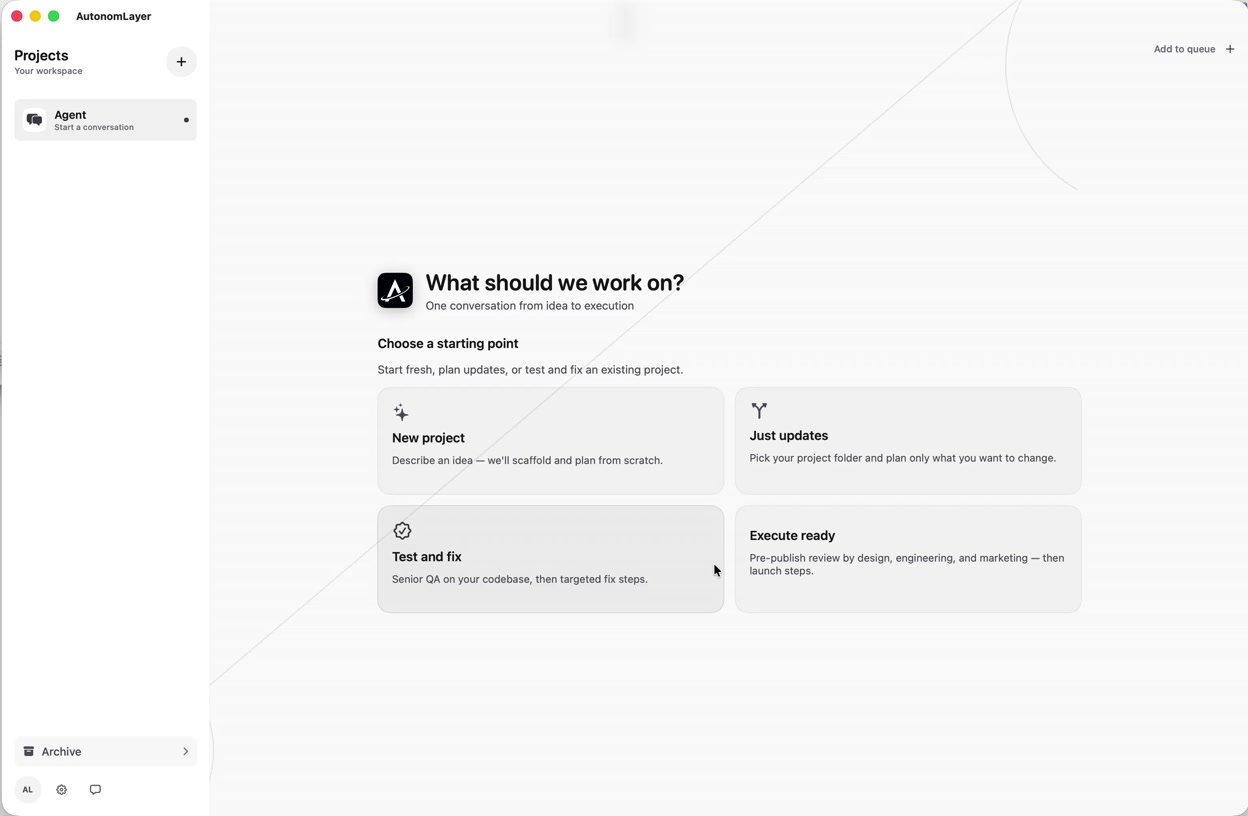
Turn your prompt into a well-formed idea
Start with a rough thought — a half sentence, a bullet list, a voice note. AutonomLayer expands it into a clear product idea with scope, constraints, and success criteria before anything hits your IDE.
See how missions workOne sentence becomes a Super Prompt
Your brief is rewritten at senior level — the depth a lead developer, designer, marketer, and project manager would expect. Stack context, acceptance criteria, and edge cases land in one instruction agents can actually follow.
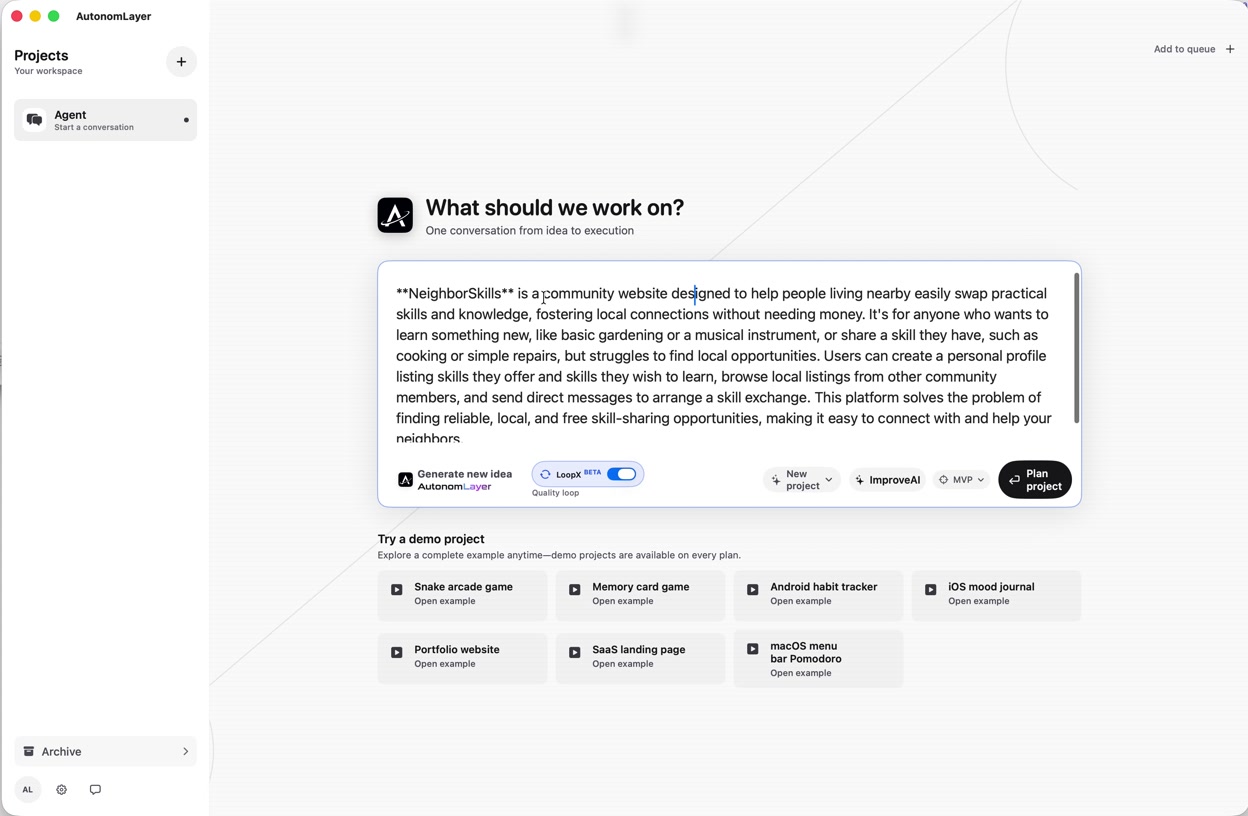
Prompt engineering that splits and stays grounded
Your Super Prompt is decomposed into focused step prompts for autonomous execution — each with tight context, clear output, and guardrails that cut hallucination and drift across long missions.
Choose your platform
Target the stack you are shipping — iOS, Android, web, desktop, or backend. AutonomLayer adapts the mission plan and prompts to the platform you pick, not a one-size-fits-all template.
Explore platforms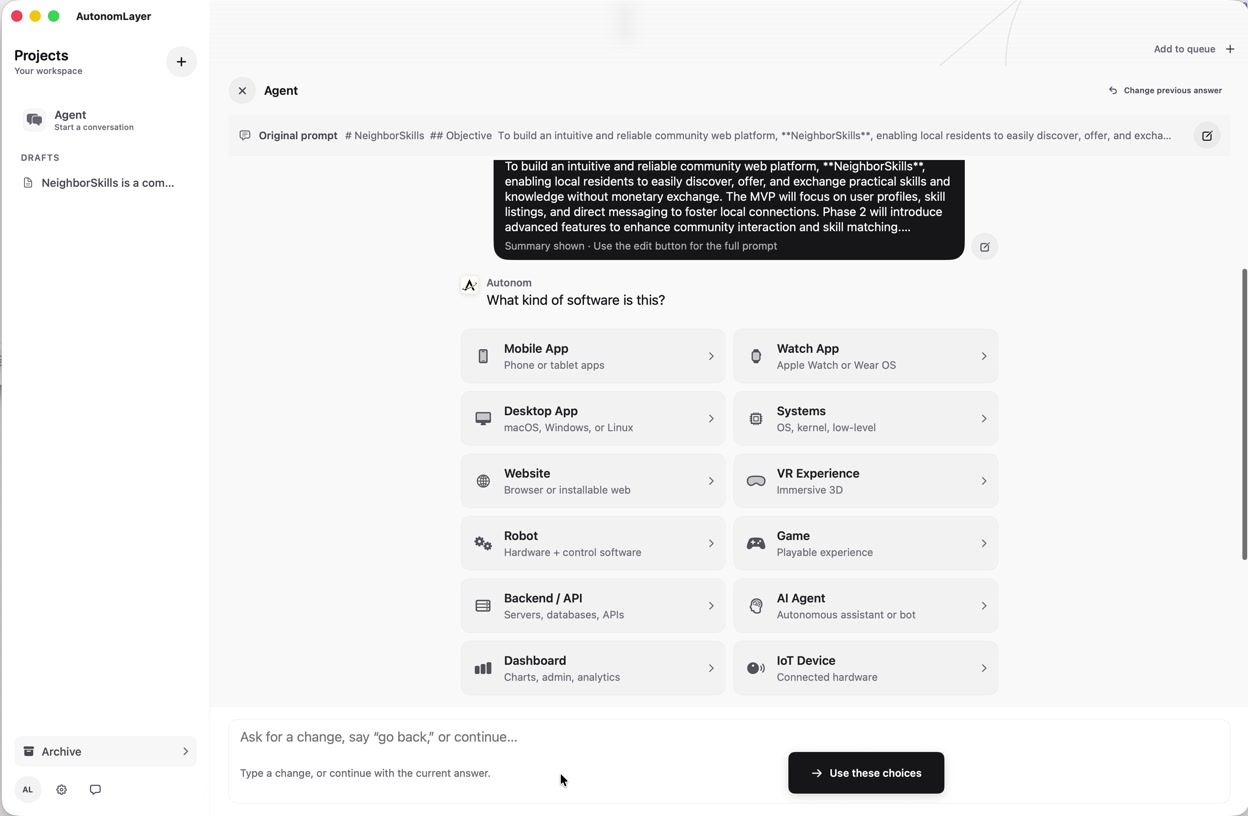
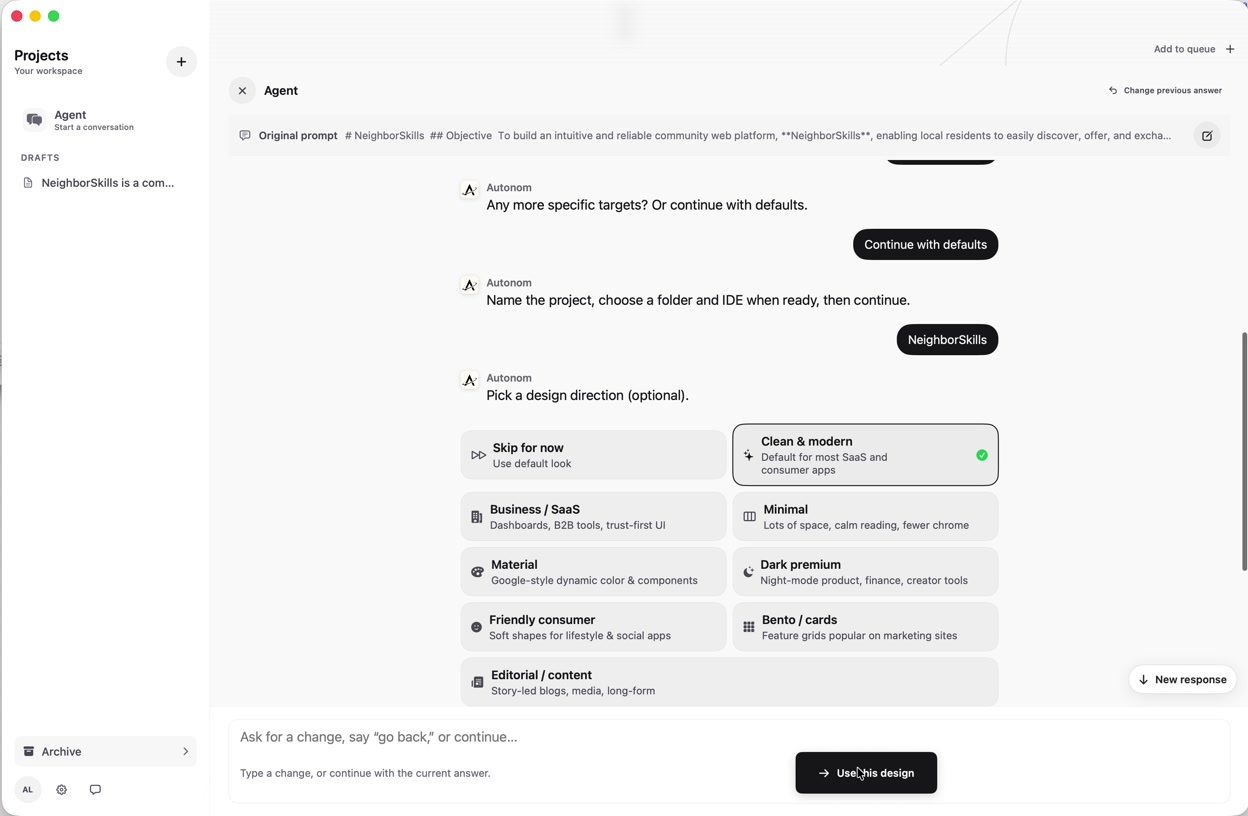
Set the design direction
Lock typography, layout patterns, component style, and UX tone before agents touch code. The mission carries that visual language through every step so the build stays coherent end to end.
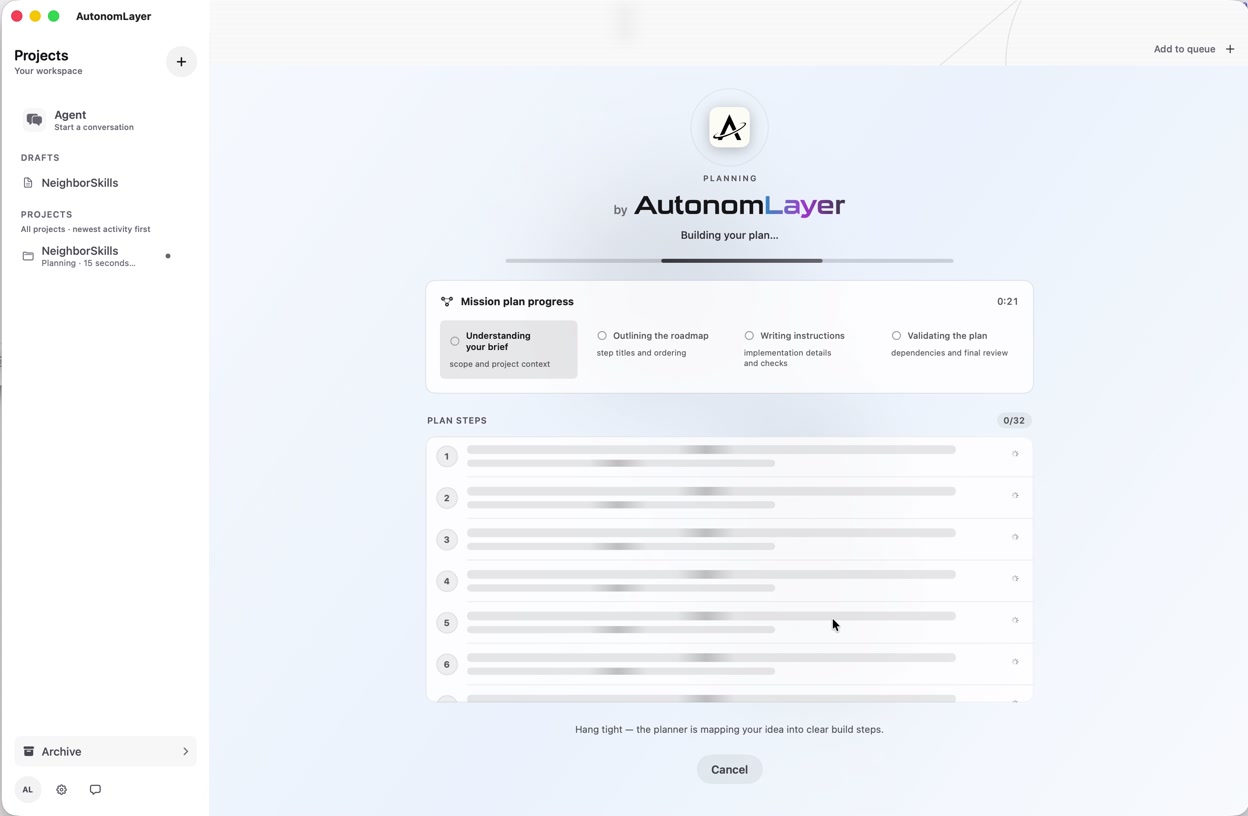
Plan before you execute
See the full mission graph upfront — ordered steps, dependencies, review gates, and estimated scope. Approve the plan, then let execution run without surprise detours.
Explore the product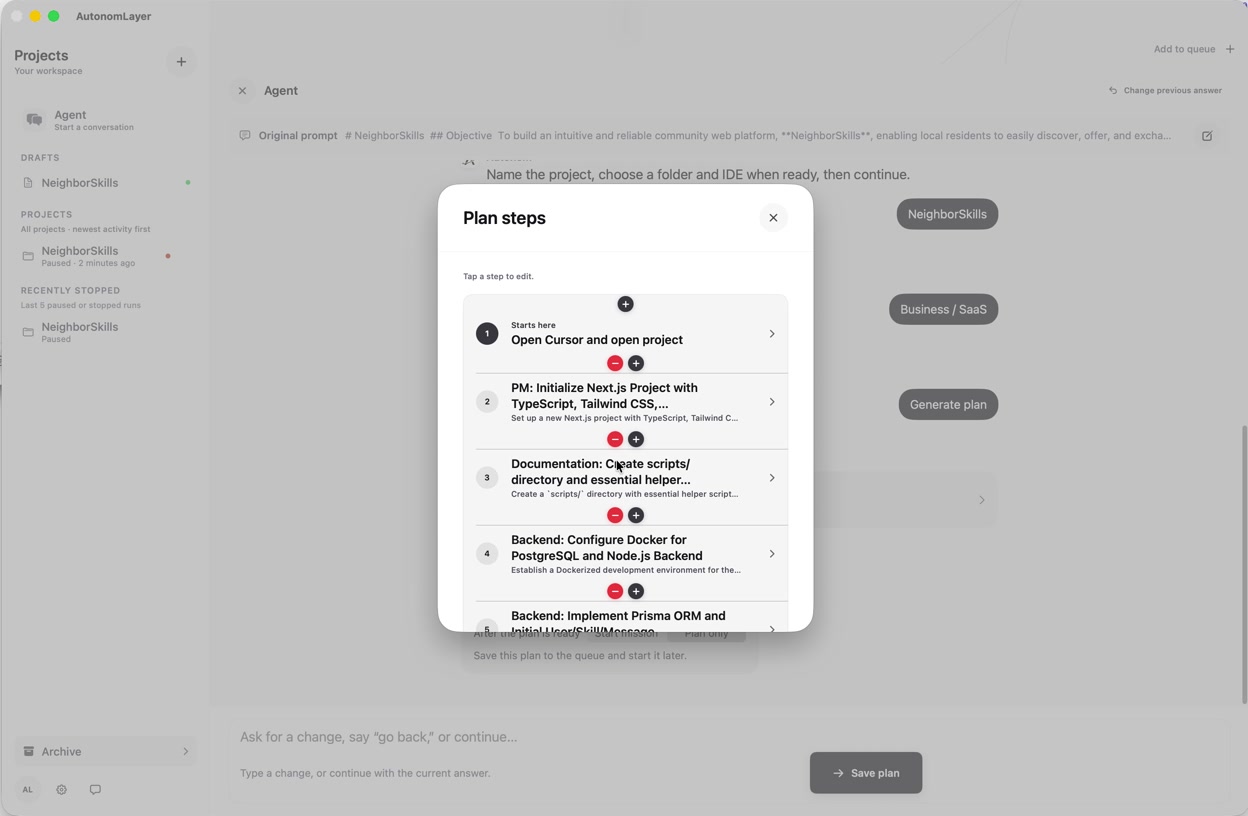
Autonomous prompting with computer use
Agents drive the machine — opening apps, clicking through flows, editing files, and running commands — while AutonomLayer paces each step and pauses when human judgment is required.
Try Chill Coding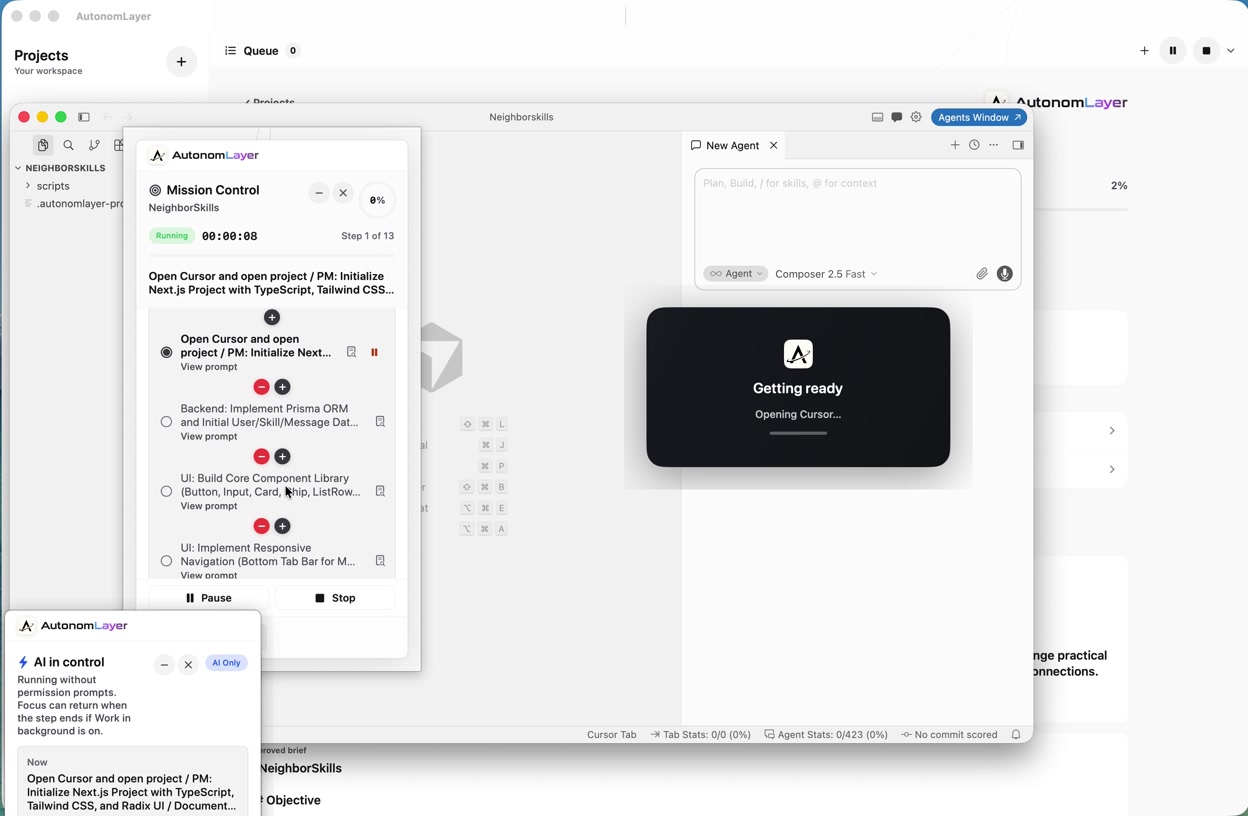
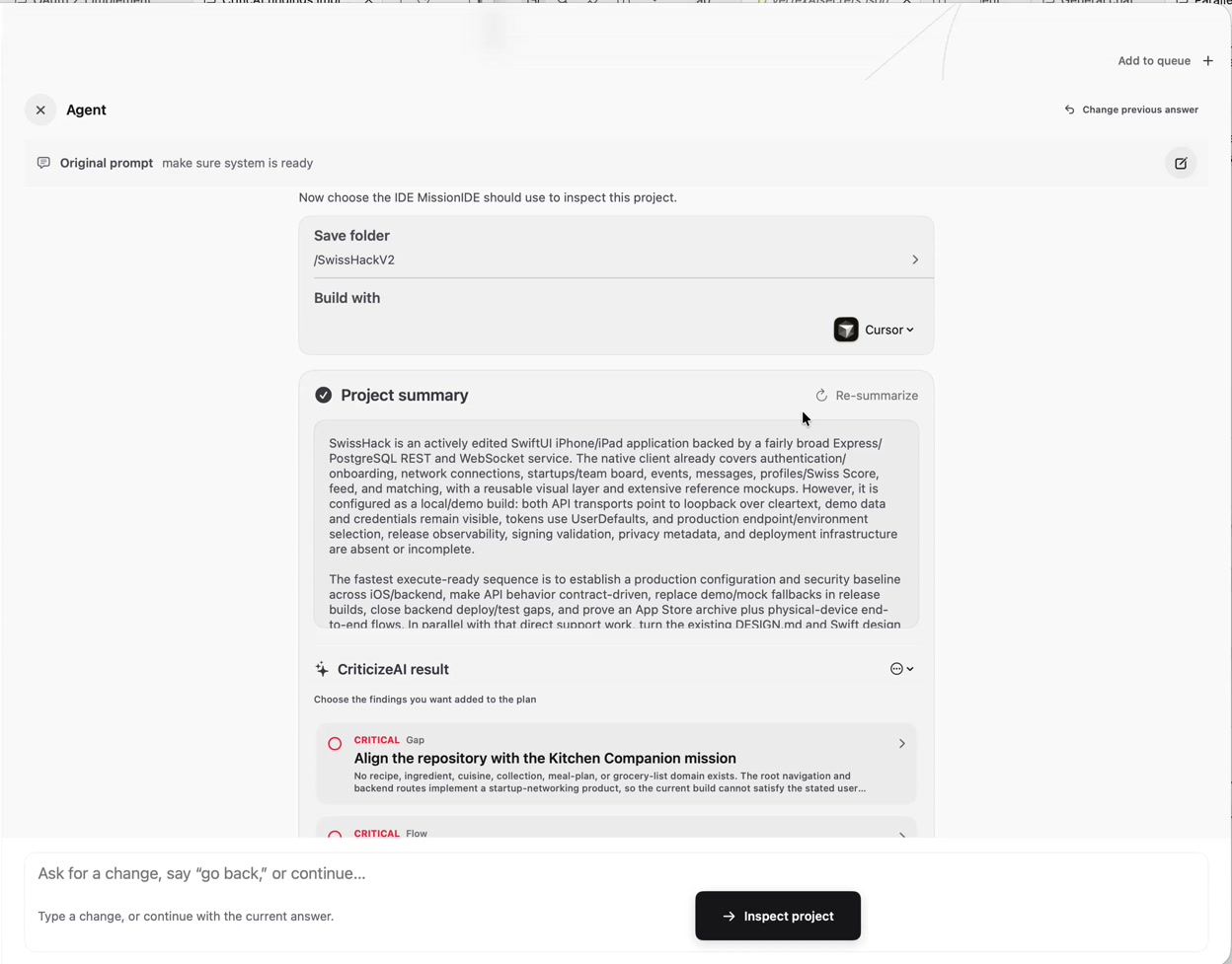
Built-in critique loops
Before you review, the system stress-tests its own output — missing tests, weak copy, layout gaps, and half-finished polish get flagged and sent back through the loop automatically.
FAQ
Questions, answered.
Is AutonomLayer still in beta on macOS?
Yes. AutonomLayer is in beta on macOS for builders who want structured async orchestration. We ship improvements weekly; expect rough edges while the mission loop hardens.
How is AutonomLayer different from Cursor or Codex?
Those tools excel at interactive assistance in a single session. AutonomLayer orchestrates multi-step missions with checkpoints, pacing, and notifications so work continues while you are away from the keyboard.
Does it replace my editor?
No. AutonomLayer drives Cursor or Codex on your Mac. You keep your repository, extensions, and environment. AutonomLayer manages the mission plan and execution flow.
What happens when a step needs my judgment?
Human checkpoints pause execution and notify you. Review the diff, approve, redirect, or reject, then the mission resumes from a known state.
What can I do on the Free plan?
Free includes free projects only — pick a free project to try the overnight build loop. Custom prompts and your own repos require Plus or Premium.
Which IDEs are supported?
Cursor · Codex on macOS today. AutonomLayer orchestrates; your IDE executes each step.
Run missions on your Mac. Step away with confidence.
Download AutonomLayer for macOS and orchestrate long-running work in Cursor or Codex.